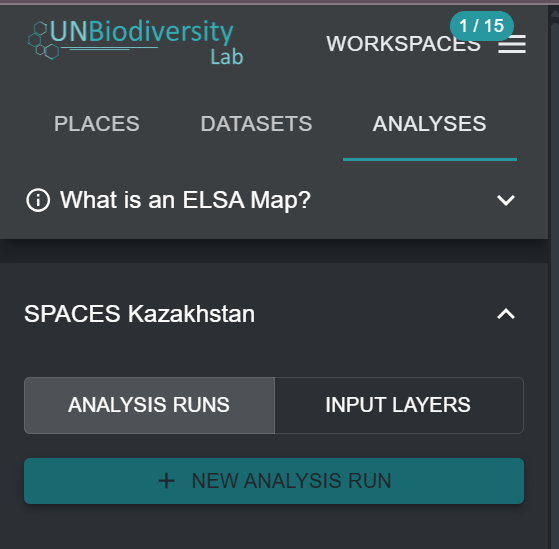
Creating new ELSA analysis runs
Once you have selected a specific ELSA Tool from the drop-down in Figure 4, you can create a new analysis run. To do this, click on the 'NEW ANALYSIS RUN' button. A pop-up window will appear with the standard ELSA optimization structure and all relevant ELSA parameters ready for editing (see Figure 5).
Important
Users cannot create or edit ELSA Tool configurations. They can only create or edit analysis runs within an ELSA Tool configuration. To request an ELSA Tool configuration for a specific country, please contact support@unbiodiversitylab.org.