How do I register or log-in?
Before you begin exploring the maps, register for the UN Biodiversity Lab.
▶️ Prefer video? Click here!
-
Click the 'Launch map' button on the UN Biodiversity Lab website.
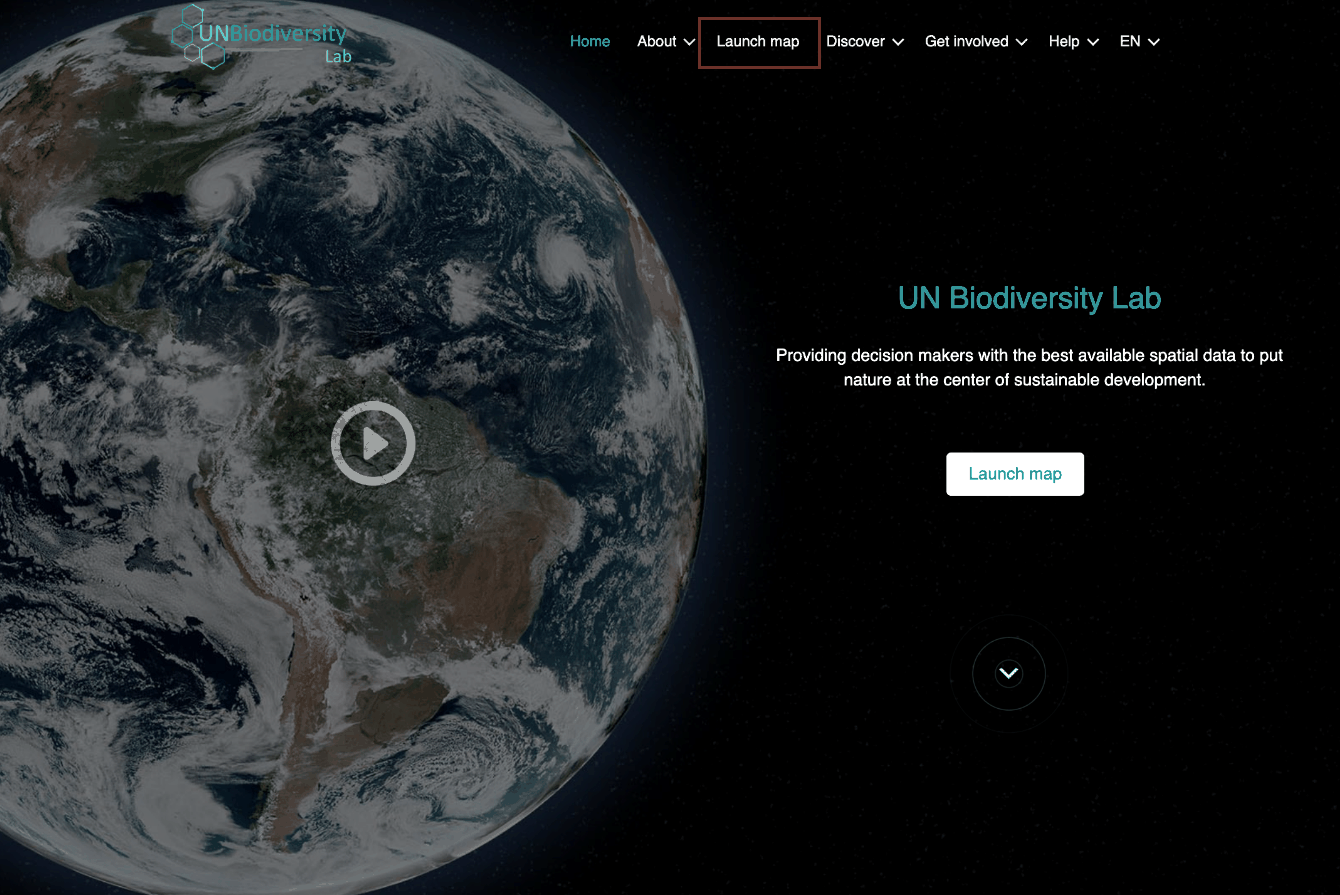
Figure 1: UNBL website home page with 'Launch map' highlighted in the top menu -
Once this has loaded, select the account icon in the top right-hand corner and choose 'sign in'. In the loaded page then choose 'sign up'. Enter your email, set your password, name, country, institution/organization, and organization type to sign up.
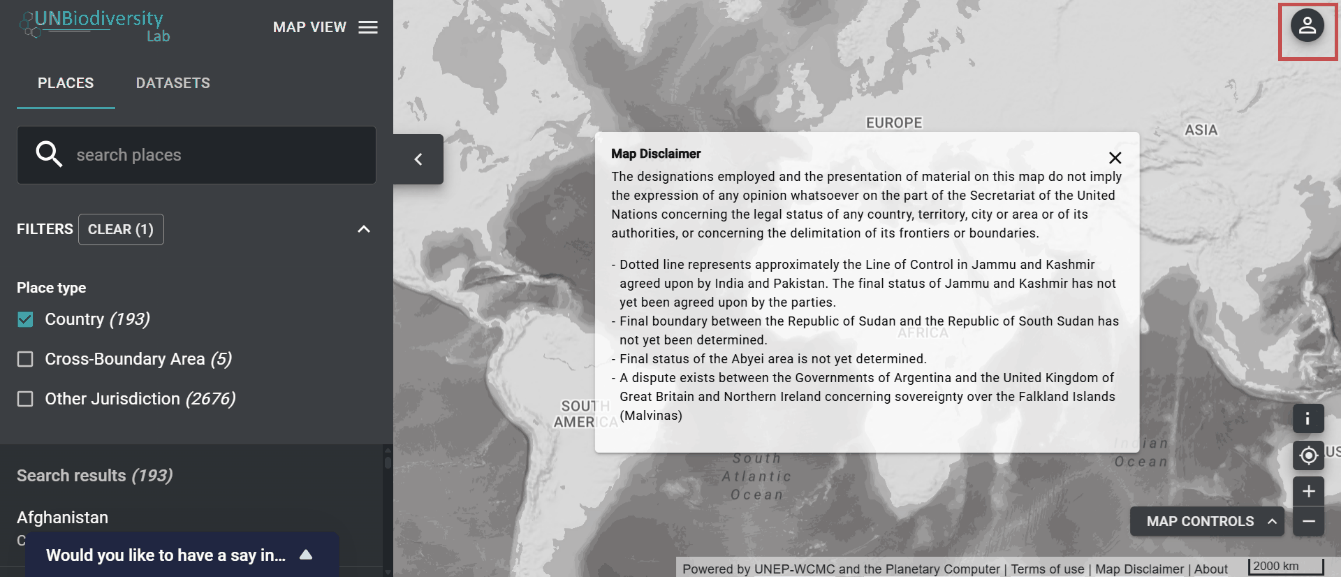
Figure 2: Map app with the account icon highlighted in the top right corner 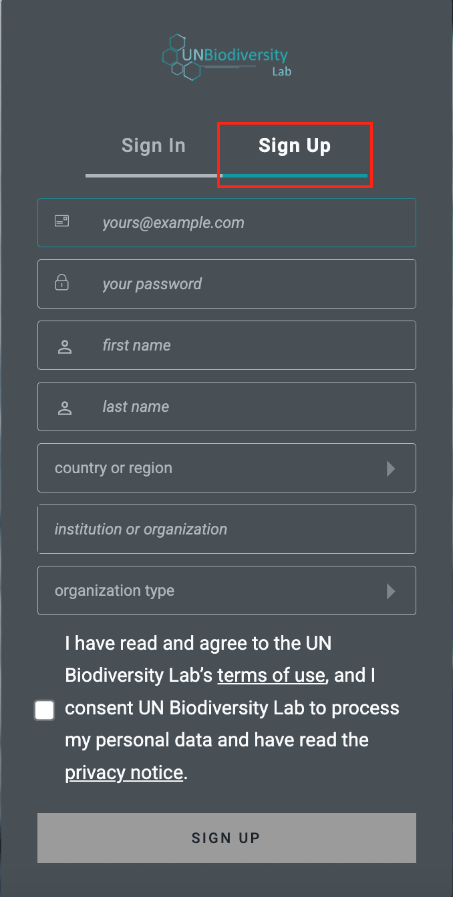
Figure 3: Sign-up form with the 'Sign Up' tab highlighted above the registration fields -
You will receive an email within a few minutes. Follow the instructions in this email to verify your account.
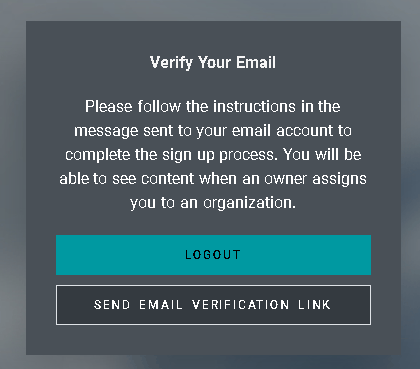
Figure 4: Verify Your Email message with LOGOUT and SEND EMAIL VERIFICATION LINK buttons -
Once your account is verified, you can log in using your email address and password each time you access the platform.
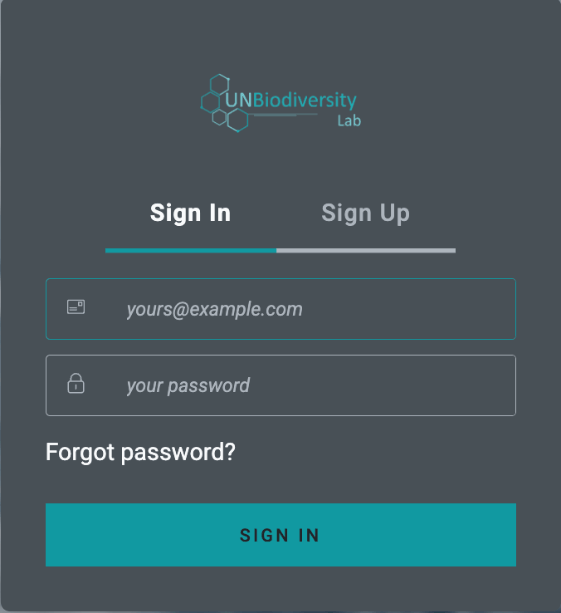
Figure 5: Sign In form with email and password fields and SIGN IN button -
You can log out at any time by clicking on your user icon and selecting 'Sign Out'.
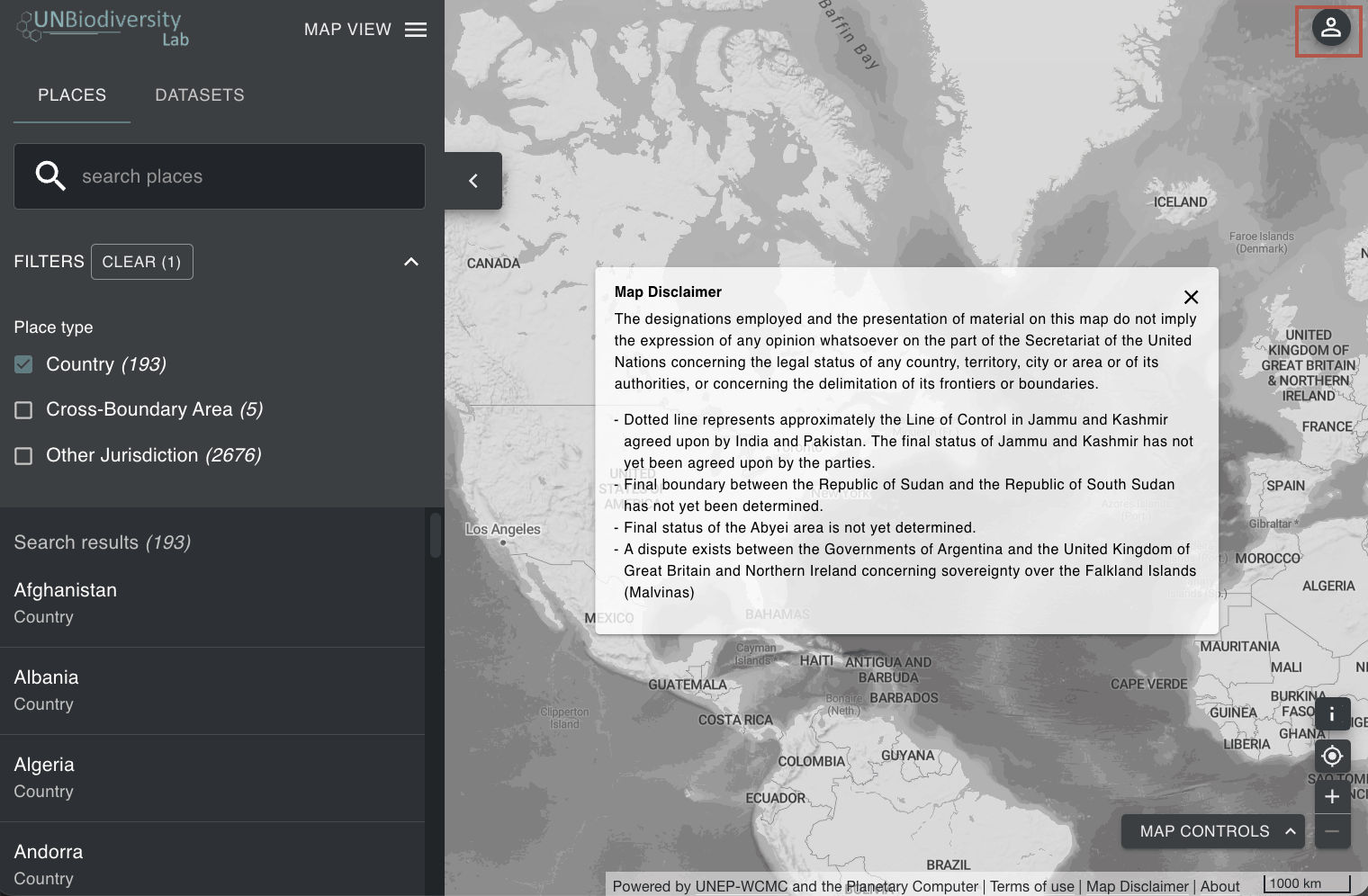
Figure 6: Map app with the user icon highlighted in the top right corner 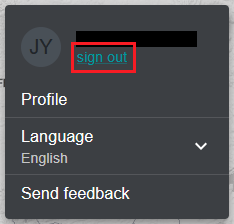
Figure 7: Account menu with 'sign out' highlighted below the user name