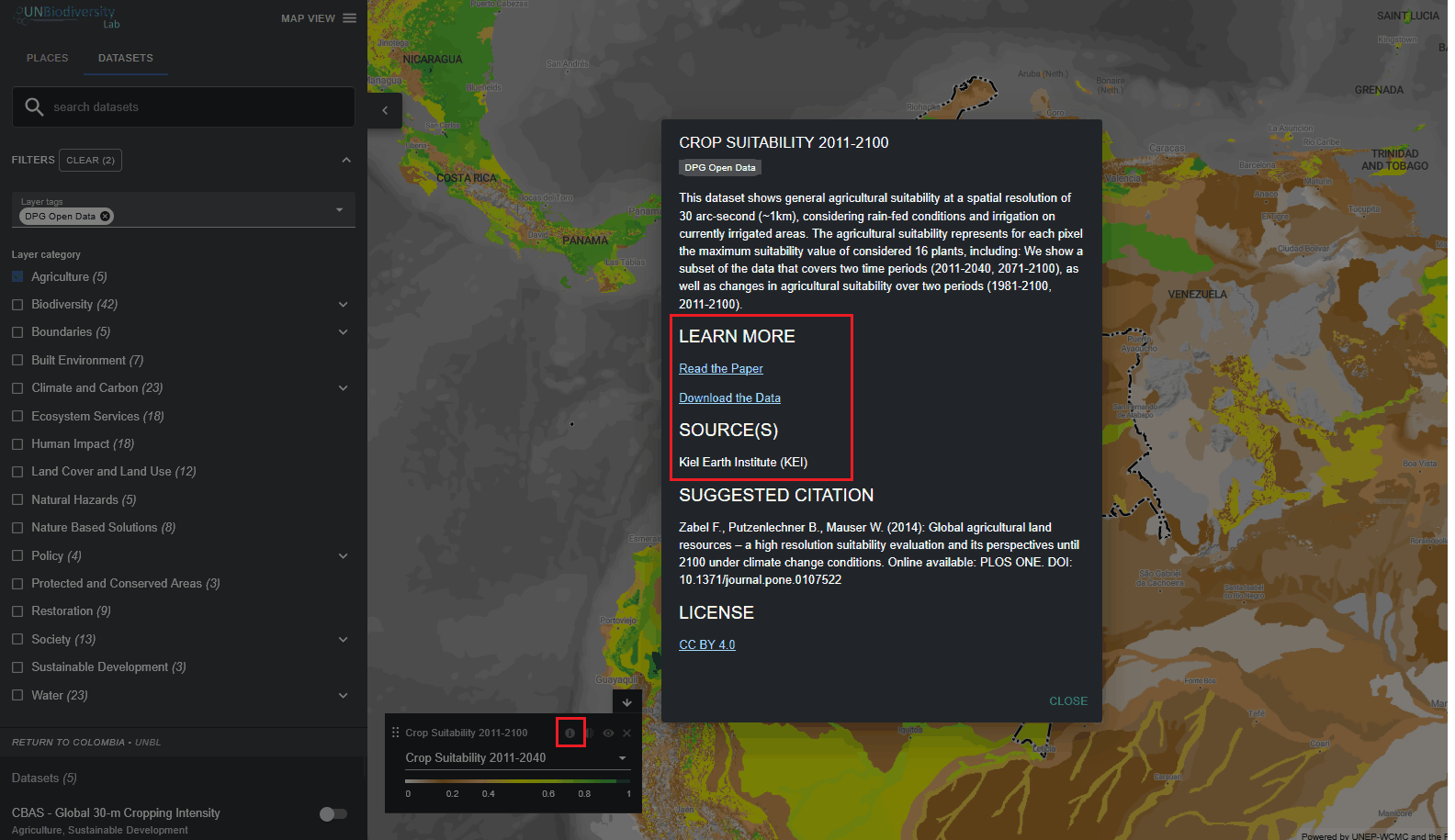
How do I find more information about each dataset?
▶️ Prefer video? Click here!
-
Select the dataset and load it to the map.
-
In the bottom-left corner of the map view, there will be a legend showing the name and symbology of all datasets currently toggled on the map. Click on the
 icon to view the dataset information. Alternatively, click on the same
Figure 1: Information icon directly next to the toggle button for each dataset in the dataset search tab. The information provides a description of the dataset, source organization, citations, and links to download the data. Figure 2: Information