Navigating the Workspace Admin Interface
How do I access the admin interface?
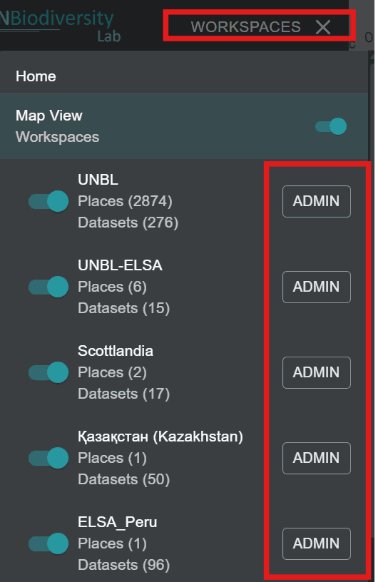
To add and manage users, places, and datasets in your workspace, you need to access the admin interface of your workspace. To do this:
-
Click on the ‘WORKSPACES’ button in the top-left corner.
-
Select the 'ADMIN' button associated with the workspace of your choice.
-
Your workspace admin page can also be accessed at the following URL:
https://map.unbiodiversitylab.org/admin/[YOURWORKSPACESLUGNAME]
What components are available within the admin interface?
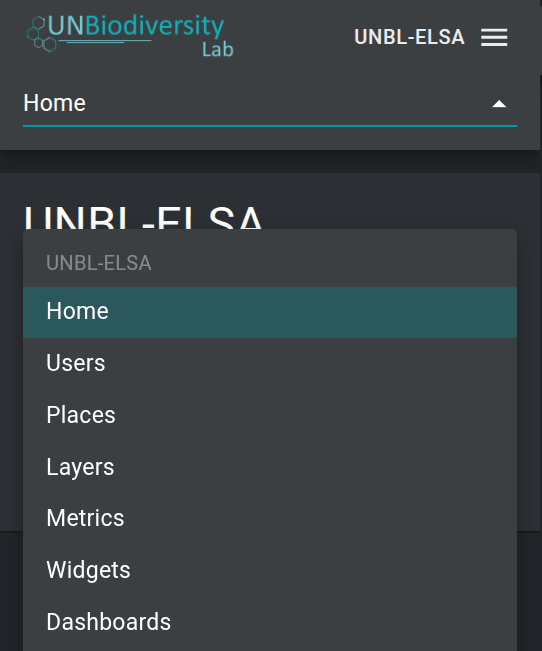
You can navigate the admin interface by using the dropdown menu in the upper section of the left-hand panel. Depending on your workspace role you can manage Users, Places, Layers, Metrics, Widgets, and Dashboards.
To access the various components:
-
Click on the ‘Home’ button to expand the dropdown menu.
-
Select the component you would like to view. More information on each component is provided in later sections of this user guide.