How do I navigate between the UN Biodiversity Lab website and map app?
Navigating between the two pages is simple:
▶️ Prefer video? Click here!
-
To return to the UN Biodiversity Lab website from the map app, click 'MAP VIEW' in the left-side toolbar and choose 'HOME' on the top right of the panel.
Note
If you are registered on UNBL and own a workspace, please click on 'WORKSPACES' in the left-side tool bar and then on 'HOME'.
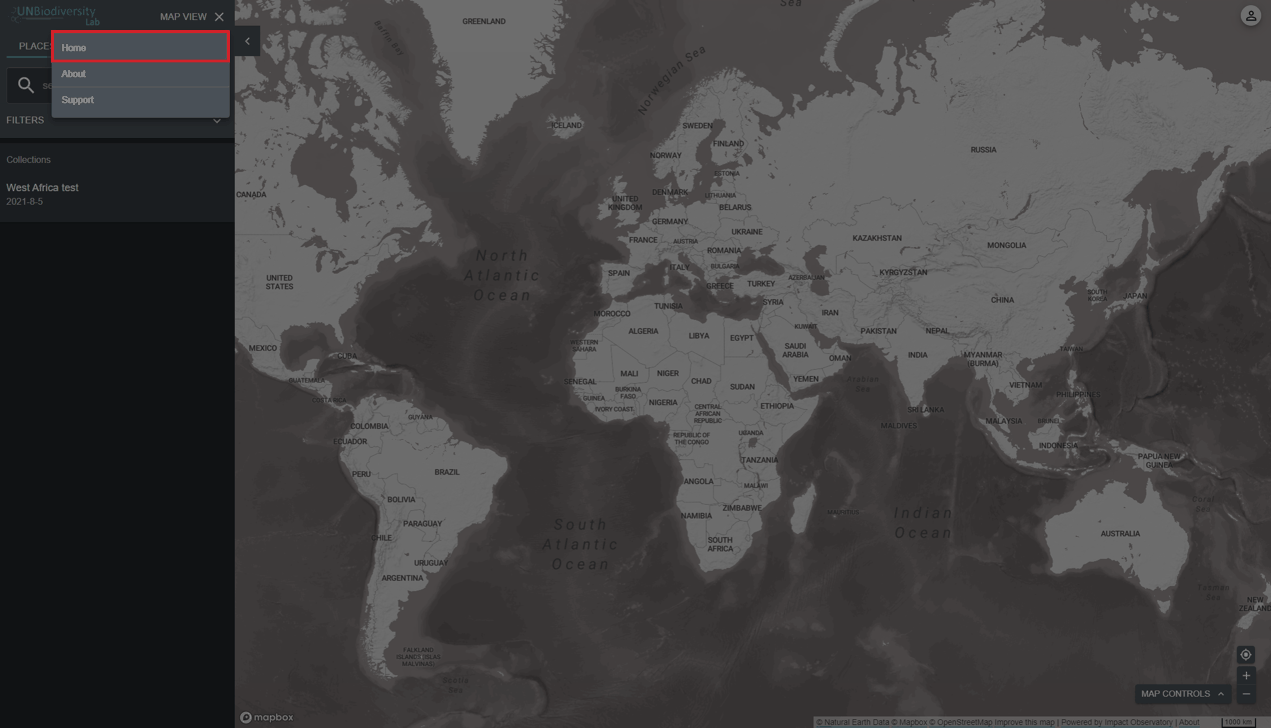
Figure 1: MAP VIEW menu open over the map with 'Home' highlighted -
To navigate to the map app from the UN Biodiversity Lab website, click on 'Launch map'.
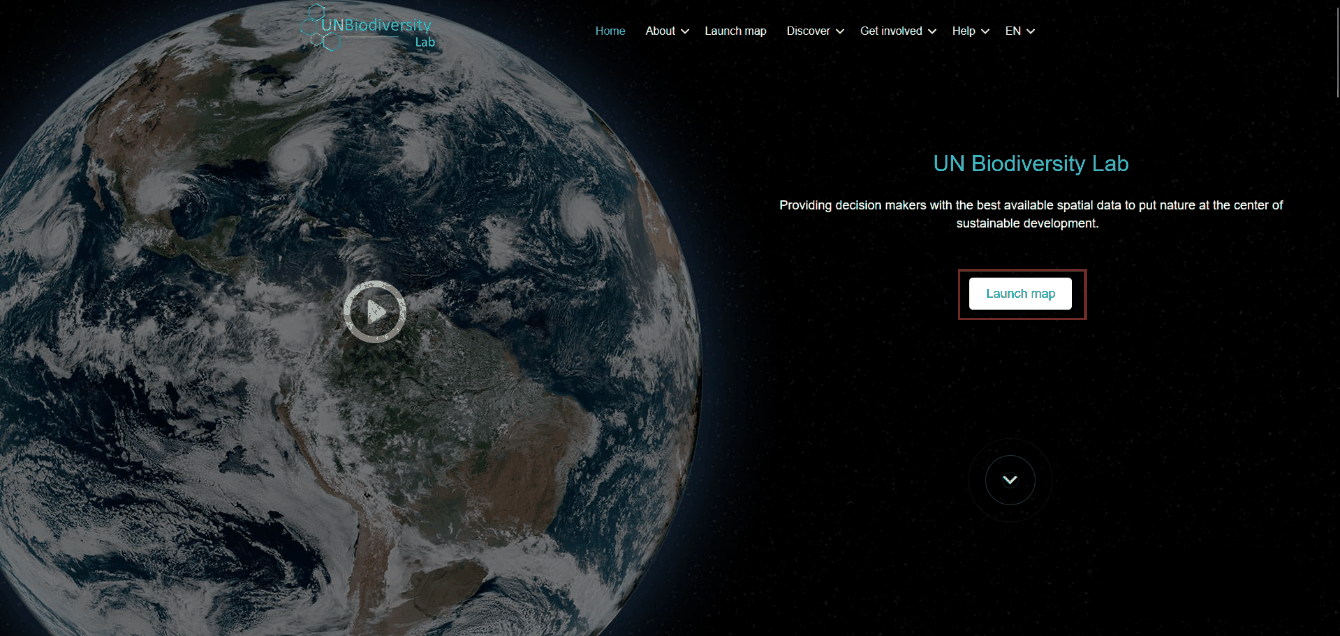
Figure 2: UNBL website home page with the 'Launch map' button highlighted